
CRM calling workflows
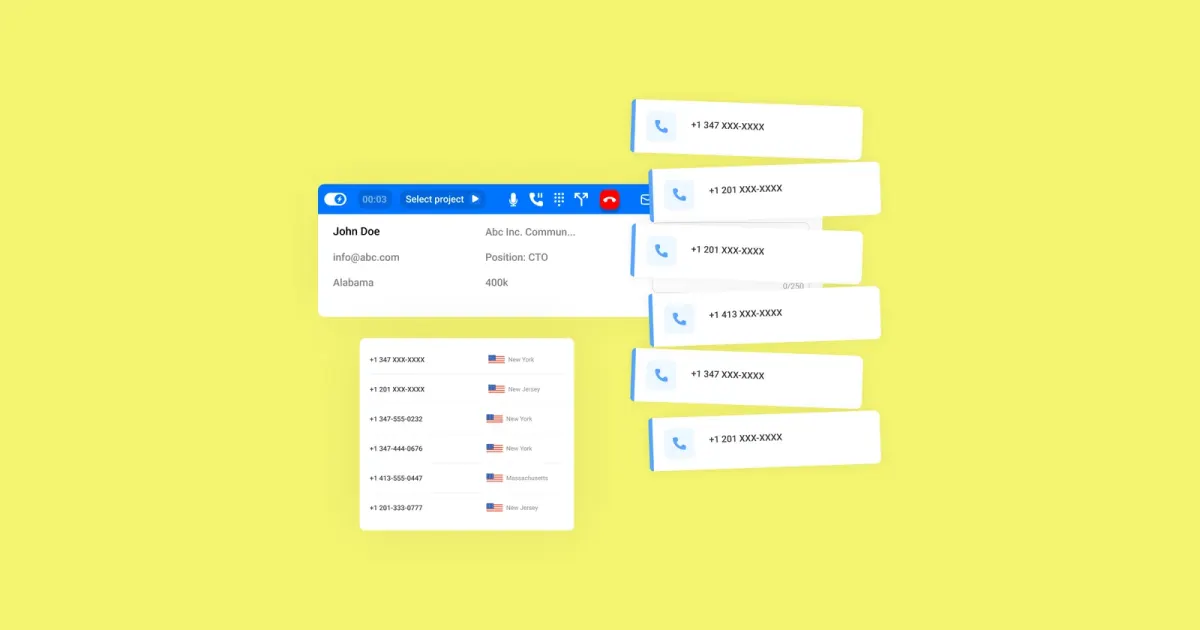
What this page covers
CRM calling workflows help sales teams connect calls with the lead and customer records they already manage in their CRM.
A practical setup reduces time between calls, logs activity automatically, and triggers the next step after each conversation.
This hub covers CRM integrations, call triggers from CRM activity, and power dialer workflows for faster, more consistent outreach.
What to choose
- Choose CRM integrations if you want calls, notes, and updates synced with lead records across your sales workflow.
- Choose trigger-based calling workflows if you want CRM activity to start calls or follow-up steps automatically.
- Choose power dialer workflows if you want reps to spend less time between calls and more time speaking with leads.
Where to go next
The pages below break CRM calling workflows into specific use cases so you can find the setup that best fits your team.
You will find focused topics on CRM call automation, triggering calls from CRM, and power dialer workflow options that support faster follow-up and clearer records.
What matters
- CRM integration supports cleaner data flow and better synchronization between calling activity and sales records.
- Automated workflows can trigger timely post-call actions, including follow-up steps after a conversation ends.
- Call summaries and structured logging can help teams respond faster and keep records more complete.